Crossing out a word in text can be a useful way to indicate that something is no longer relevant or has been replaced. This technique is often used in editing, note-taking, and even in digital communication to convey changes or corrections without completely erasing the original content. Understanding how to effectively strike through text can enhance clarity and improve the overall presentation of your written work.
Whether you are working on a document, an email, or a social media post, knowing how to cross out words can help you communicate your thoughts more effectively. It allows readers to see the evolution of your ideas and provides a visual cue that something has changed. In this article, we will explore various methods for crossing out words in different contexts, ensuring you can apply this technique wherever necessary.
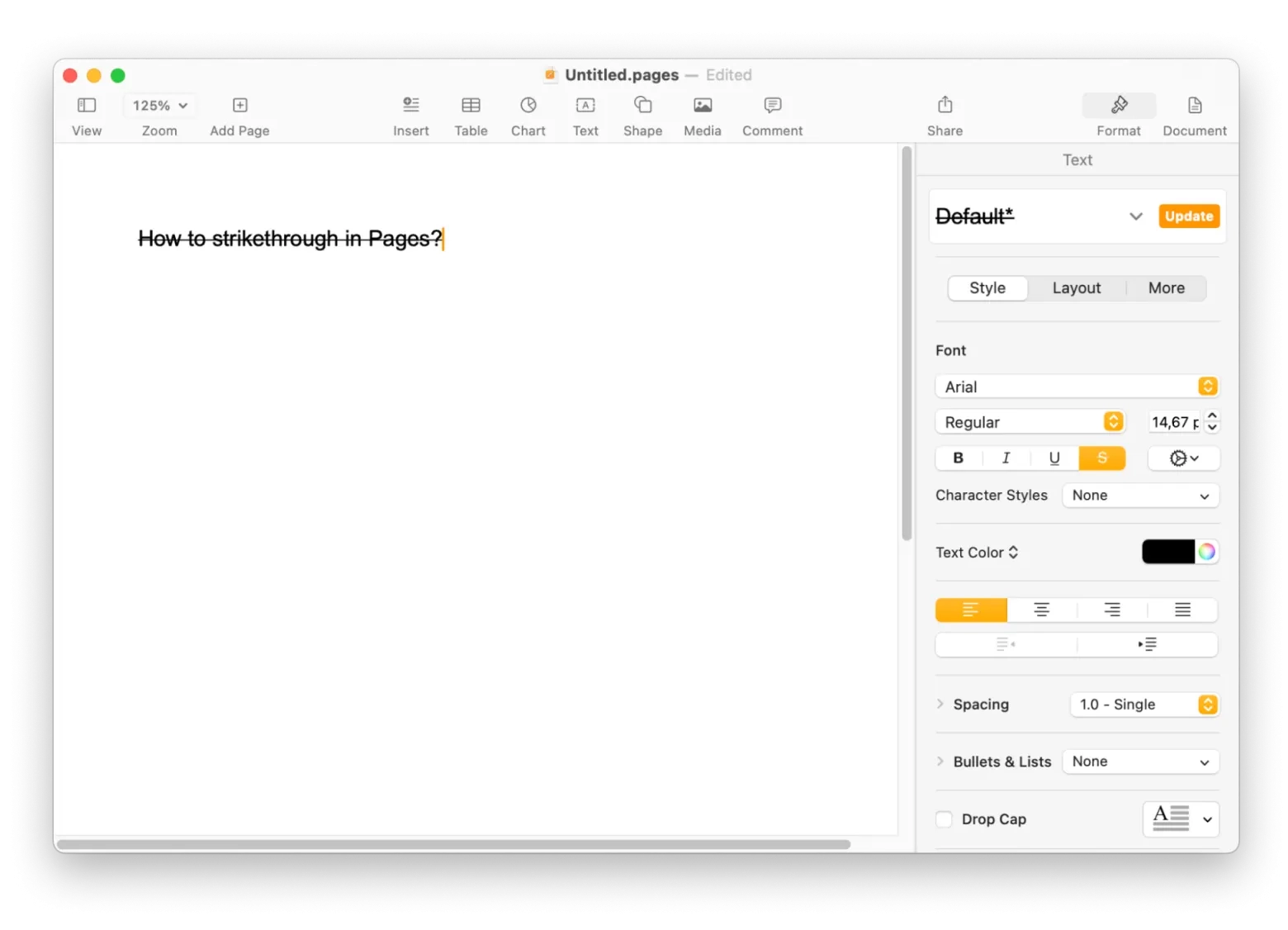 how to cross out a word in text
How to Cross Out a Word in Text
There are several methods to cross out words depending on the platform you are using. Below are some common ways to achieve this effect:
- Using Word Processors: Most word processing software, such as Microsoft Word or Google Docs, offers a straightforward way to cross out text. Simply highlight the word or phrase you want to strike through, then navigate to the formatting options and select the strikethrough option. This will place a line through the selected text.
- HTML Method: If you are writing for the web, you can use HTML tags to cross out text. The s tag is commonly used for this purpose. For example, wrapping your text in <s>word</s> will display it with a line through it on a webpage.
- Markdown Syntax: In platforms that support Markdown, such as GitHub or certain blogging sites, you can easily cross out text by placing two tildes before and after the word or phrase. For instance, typing ~~word~~ will render it with a strikethrough.
- Social Media Platforms: Many social media platforms do not have built-in strikethrough options. However, you can use third-party tools or websites that generate strikethrough text. Simply input your desired text and copy the generated output into your post.
Regardless of the method you choose, crossing out words can add clarity and professionalism to your writing. It allows readers to understand what has changed while still retaining the original context of your message. This technique is particularly useful in collaborative environments where multiple revisions may occur.
In conclusion, knowing how to cross out words effectively can enhance your communication skills across various platforms. Whether you’re editing documents, writing code, or posting on social media, this simple formatting technique can make a significant difference in how your message is perceived. By utilizing the methods outlined above, you can ensure that your writing remains clear and engaging.
Download and Print how to cross out a word in text
 In Final Draft Go How Do I Bold Italicize Underscore Strike Through Or Toggle Case A Word Or Section IPhone Final Draft
 The Strikethrough Shortcut How To Strike Text In Seconds HeyTony
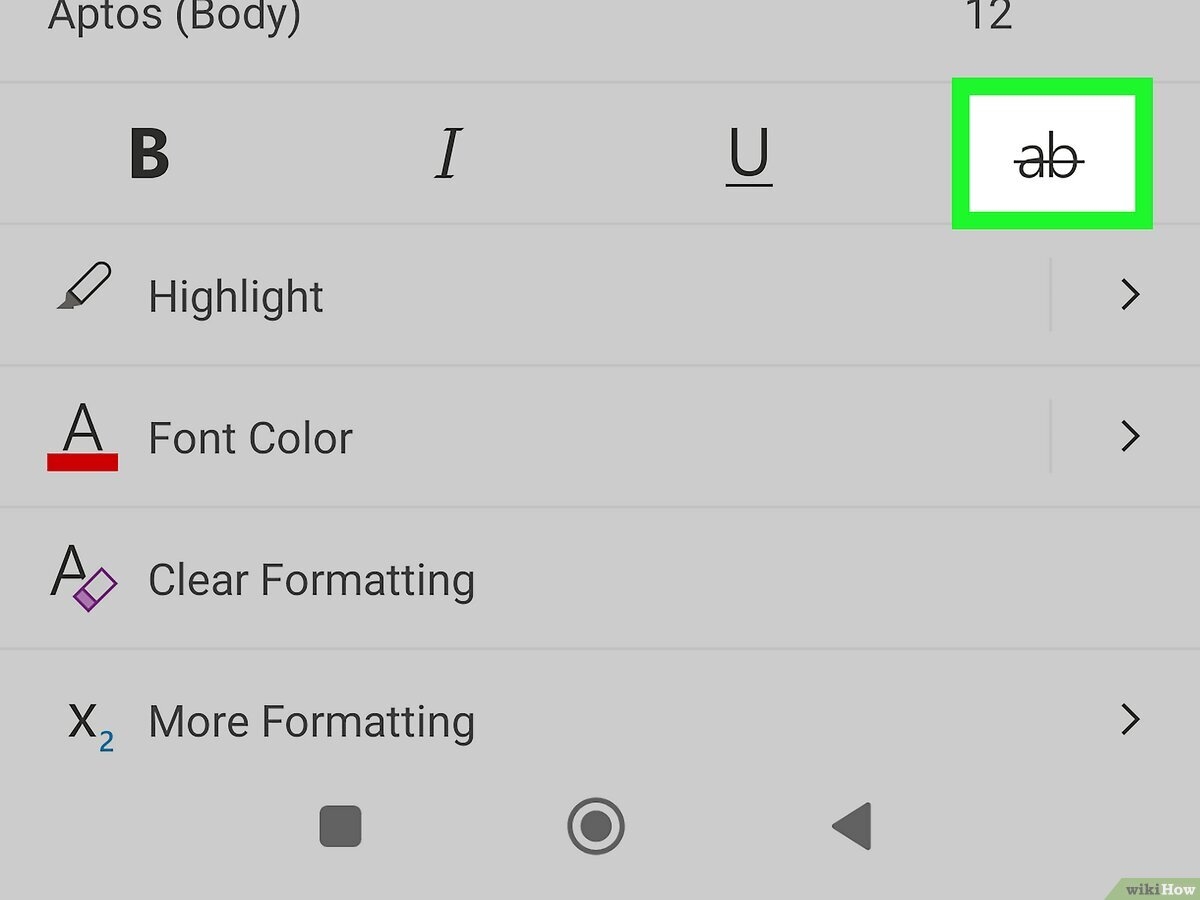 How To Strike Through Text In Word 6 Easy Tricks